Turn a website into an Android APK
Paste your site’s URL and download a signed Android app that opens it full-screen, with its own name and icon. No Android Studio, no Java and no app-store account.
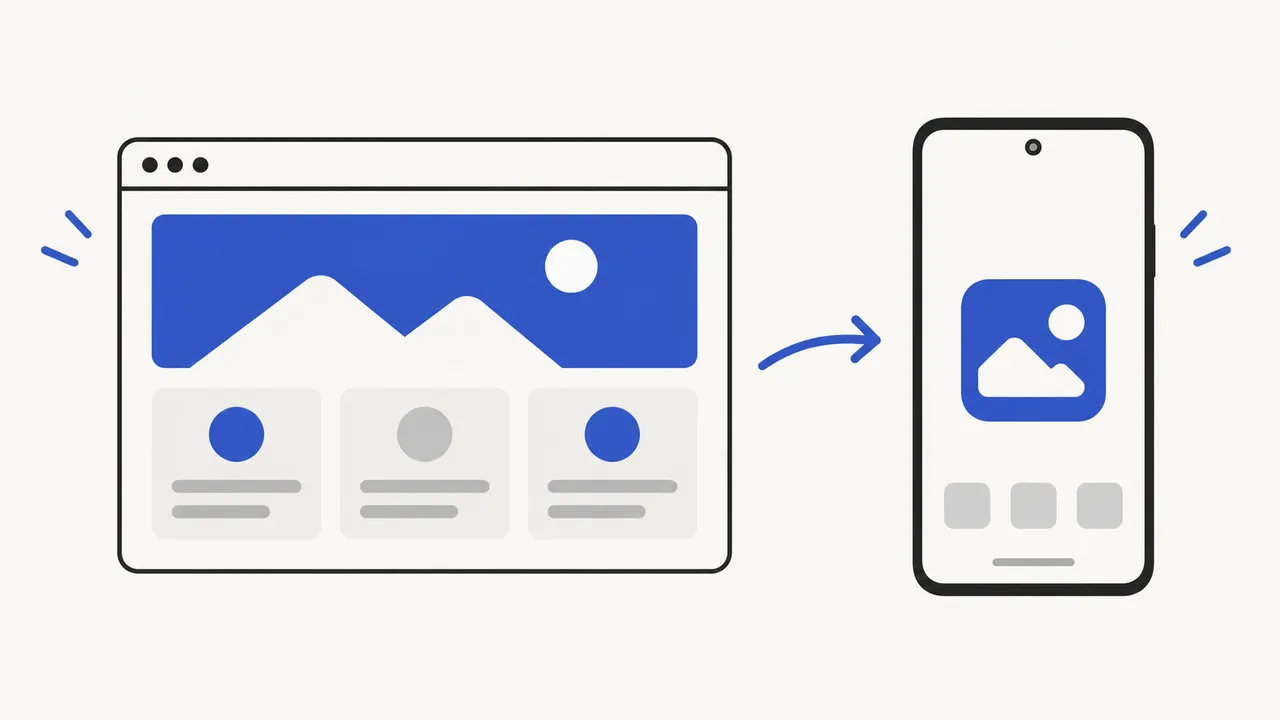
Your first successful build is free. The same build also produces iOS, macOS, Windows and Linux versions.Pricing
Specification
What ends up inside the APK
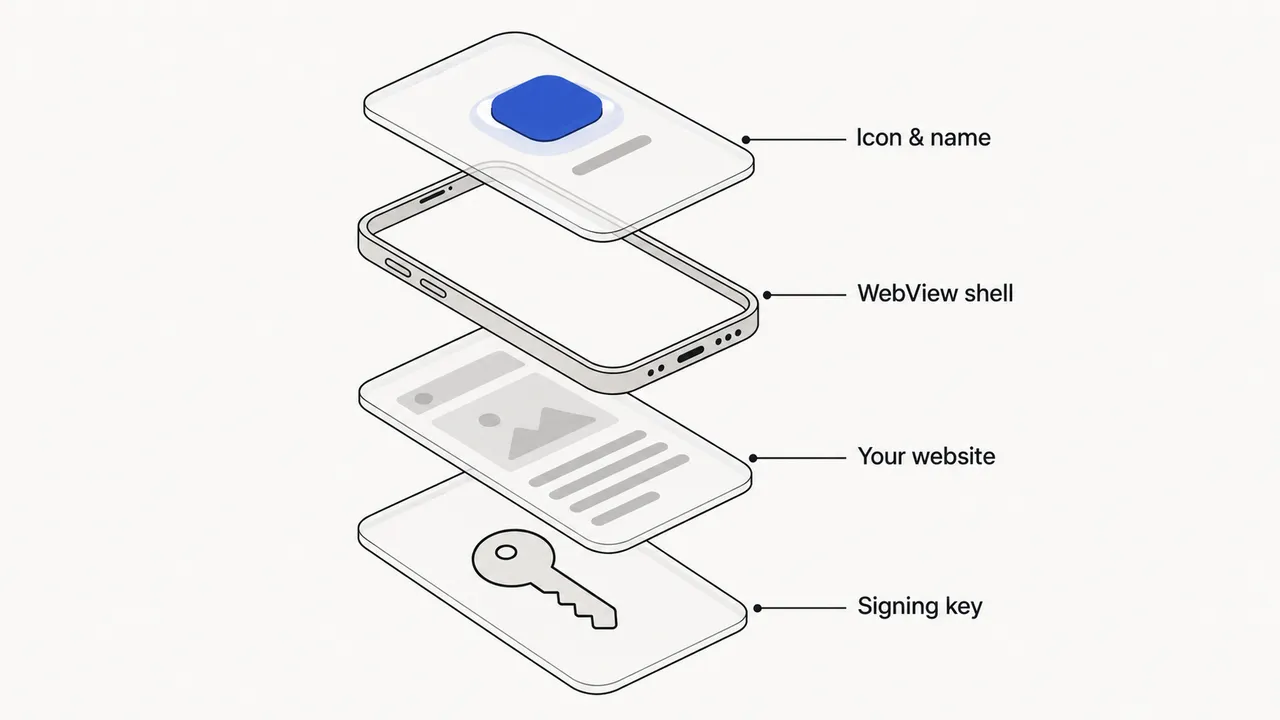
A website-to-APK converter does not rewrite your site as native code. It wraps it in a small Android app built around a WebView. Here is exactly what that app does, so you know what your users will get.
- App identity
- Its own package, app name and launcher icon. The icon is taken from your site or uploaded by you; free builds use the WebToApp icon.
- Rendering
- Android System WebView, the same Chromium engine Chrome uses, updated through the Play Store independently of your app.
- Navigation
- Web links stay inside the app. The Back button walks back through page history, and tel:, mailto: and app links open the matching phone app.
- Files
- File inputs open the Android file picker. Downloads, including files your page generates, are saved to the Downloads folder.
- Permissions
- Location, camera and microphone are requested from the user only when your page asks for them.
- Signing
- Each app gets its own signing key, kept for rebuilds, so a new version installs over the previous one.
- Screen
- Optional immersive full-screen mode hides the status and navigation bars for kiosks, games and dashboards.
Before you convert
Is your website ready to become an app?
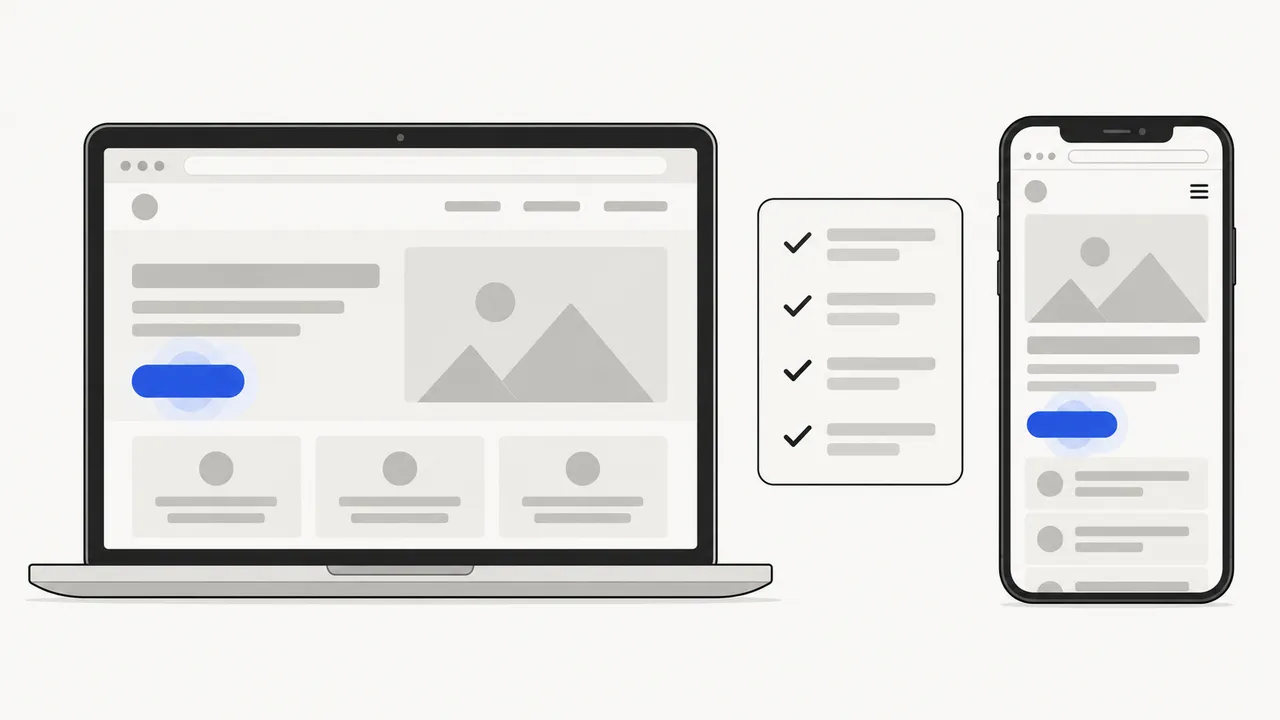
Most problems people blame on the converter are visible in a phone browser first. Tick what is true for your site.
0 of 6 checked. Fix the unchecked items first, or test the APK carefully before sharing it.
Sideloading
How to install the APK on an Android phone
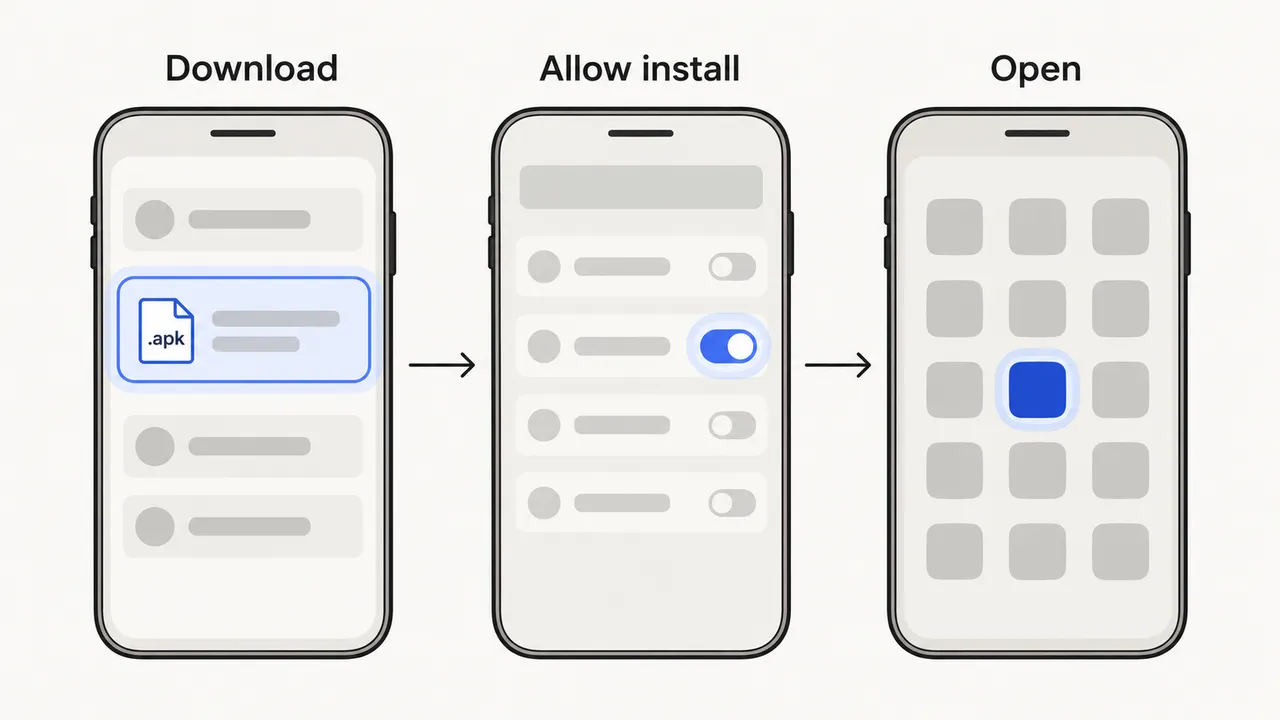
Download the APK on the phone
Open the download link from WebToApp, or send the file to the phone. Tap the finished download in the notification or in the Files app.
Allow installs from that app
Android asks for permission once per source. Tap Settings, turn on Allow from this source and go back. Play Protect may scan the file.
Install and open
Tap Install. The app appears in the app drawer with your name and icon. Installing a rebuilt APK later updates it in place.
Google is introducing developer verification for apps installed outside Google Play in some countries. Check the current Android rules in your region before distributing an APK widely.
Choose the right format
WebView APK, installed web app or native app?
An APK is one of three ways to put a website on Android. Pick the one that matches how you want people to find and keep it.
| WebView APK (this converter) | Installed web app (PWA) | Native Android app | |
|---|---|---|---|
| How people get it | Download and install a file you share | “Install” or “Add to home screen” in Chrome | Google Play or another store |
| What you need | A working website | A web manifest and service worker on your site | App code, a developer account and review |
| Own icon in the app drawer | Yes | Yes, when installed | Yes |
| Updates | Content updates live; rebuild for name or icon | Live from your site | Publish a new version |
| Offline | Only if your site caches itself | With a service worker | Fully under your control |
| Best for | Internal tools, clients, events, quick distribution | Public sites visitors return to | Store presence and deep device features |
Only need an icon on your own phone? You do not need an APK at all: follow the add a website to your home screen guide instead.
Honest limits
What this converter does not do
No Play Store upload
There is no AAB export or store submission. The APK is for direct installs.
No push notifications
Web push and Firebase messaging are not wired into the WebView shell.
No automatic offline mode
The app needs a connection unless your website caches its own pages.
No native iPhone app
On iOS you get a Web Clip profile that adds the site to the home screen, not an IPA.
FAQ
Website to APK questions
Is converting a website to an APK free?
Every account gets one free successful build, which includes the APK and the other four outputs. Free builds use the WebToApp icon and a name suffix, and the download link lasts 7 days. Paid plans use your own name and icon.
Can I upload the APK to Google Play?
Not directly. Google Play requires an Android App Bundle (AAB) signed through your developer account, and WebToApp does not export AAB files or submit apps. The APK is for direct installation and sharing outside the store.
Will the app change when I update my website?
Yes. The app loads your live website, so content and design changes appear the next time it opens. You only rebuild when you want a different app name, icon or target URL, and people then install the new APK over the old one.
Does Google sign-in work inside the app?
Usually not. Google blocks its OAuth sign-in page inside embedded WebViews. Email and password logins, magic links and most other providers work. If your site relies on "Sign in with Google", test it in the APK before sharing.
Can I convert any website into an app?
Technically most public websites load, but only package sites you own or have permission to distribute. Sites that block embedding, depend on browser extensions or need push notifications will not behave like they do in Chrome.
Why does Android warn me when I install the APK?
Android shows a warning for every app installed outside an app store. You allow installs from the app you downloaded the APK with, and Google Play Protect may scan it. Only install APKs from sources you trust.